The QR guest album
One QR code on the tables. Guests scan, pick their photos and videos, and they reach you in original quality. No app, no account, no chasing anyone after the event.
- No app needed
- Original quality
- Up to 50 GB
- Included with your invitation

Scan to upload
Photos & videos from the big day
01The problem
The photographer delivers weeks later. Meanwhile dozens of guests have filmed the cake, the first dance and the toast, and those files sit on phones, in WhatsApp groups that compress them, or get lost entirely. The QR album gathers them all in one place, during the event.
Without a QR album
- Asking guests one by one to send photos
- WhatsApp degrades photos and videos
- Half the memories never reach you
With a QR album
- One QR on the tables, that's it
- Files arrive in original quality
- Everything in one place, ready to download
02How it works
- 01
Publish your invitation
The album is created automatically for your event. Nothing to set up.
- 02
Guests scan
Put the QR code on the tables, at the entrance or on the menu. A simple page opens right in the phone's browser.
- 03
You download everything
See every photo and video in your dashboard, with the name of whoever uploaded it, and download them whenever you like.
Guest album
Ana & Mihai
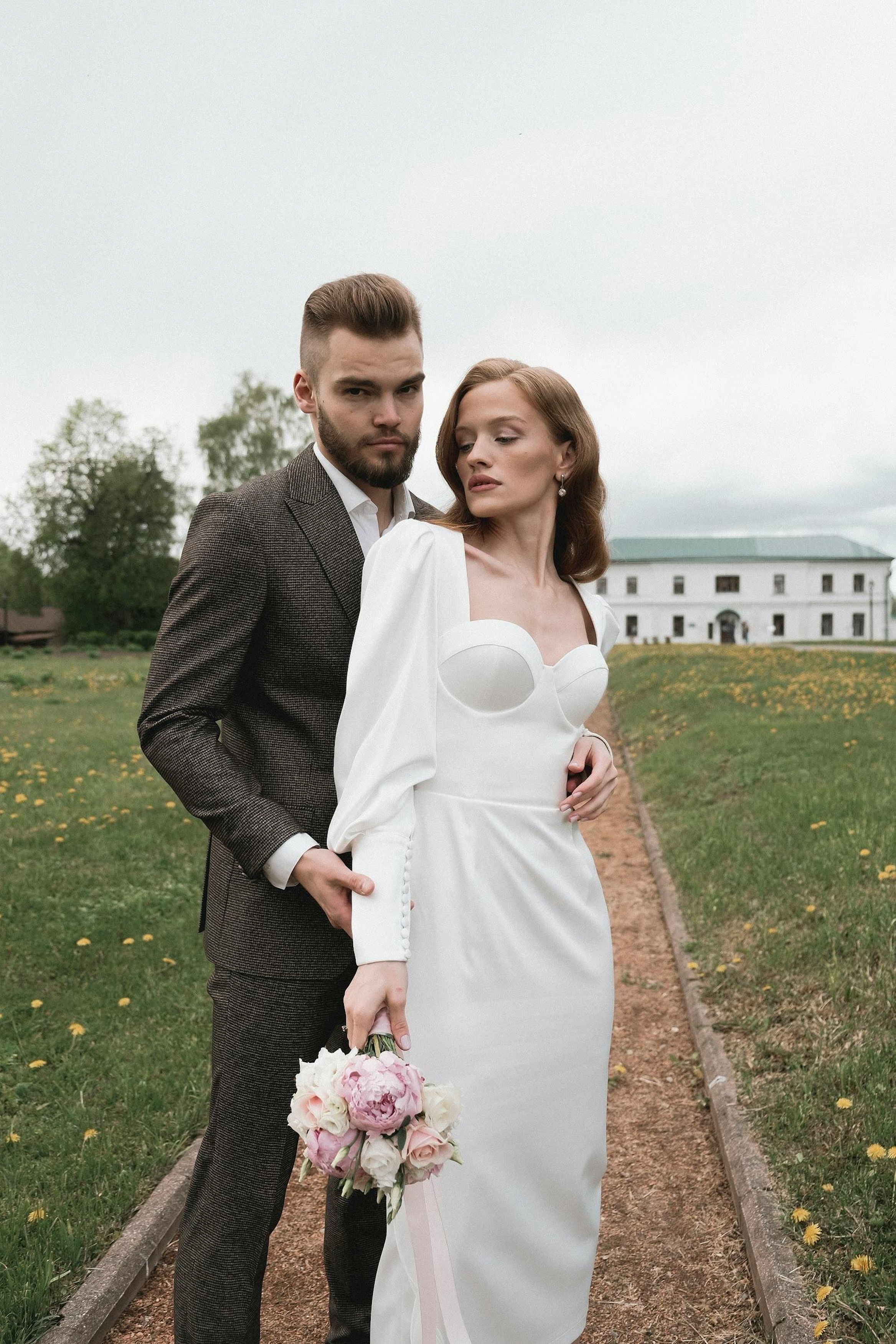
They go straight to the hosts
03What you get
Designed for phones, for guests of every age, and for an evening when nobody wants a tutorial.
- 01
No app, no account
Scan and go. Works on any phone, iPhone or Android, straight from the camera.
- 02
Original quality
We don't compress or resize. You get exactly what the guest captured.
- 03
Photos and video
Photos, including iPhone HEIC, and videos up to 4 GB each.
- 04
Up to 50 GB per event
Room for thousands of photos and hours of video. The space is reserved for your event.
- 05
Safe uploads
Every phone has its own limit so nobody can fill the album alone. Access only through your QR.
- 06
See who sent what
Guests can add their name (optional), and you see everything in your dashboard and download the files.
04Where to put it
Your code is ready to print or share, straight from your dashboard.
- On every table, in a small stand
- At the entrance to the venue
- On the menu or seating chart
- On a card next to the cake
- On a screen during the party
- In the invitation, for guests who'd rather upload from home
05At a glance
- Space per event
- 50 GB
- Max photo size
- 50 MB
- Max video size
- 4 GB
- Files per phone
- 500
- Uploads open
- until 2 days after the event
- Download after closing
- 7 days
After 7 days the files are deleted automatically, to keep your data tidy. Download your album in time.
06In your dashboard
From the invitation's Album page you see the print-ready QR code, the space used and every file received, in one gallery.
- Print-ready QR code
- Gallery of every photo and video
- Space used, in real time
- Download any time within the 7-day window
07Price
You don't pay separately for the album. Every published invitation comes with its own QR album.
- QR album with up to 50 GB
- Photos and video in original quality
- Gallery and download in your dashboard
- For every guest, no app needed
- Plus the invitation, RSVP, seating plan and personal link
Every event has its own album, visible from the same account. See the planner package
08Frequently asked
Can't find your answer? Write to us and we'll reply within a few hours.
No. They scan the QR code with their phone camera and a page opens in the browser. No account needed.
09Start for free

For you two
Te Așteptăm

Create your first invitation in minutes. You only pay when you're ready to publish.
- No card needed to sign up
- Edit any time, at no cost
- firstname-and-firstname.teasteptam.ro
- 35 EUR · One-time payment